Introduction
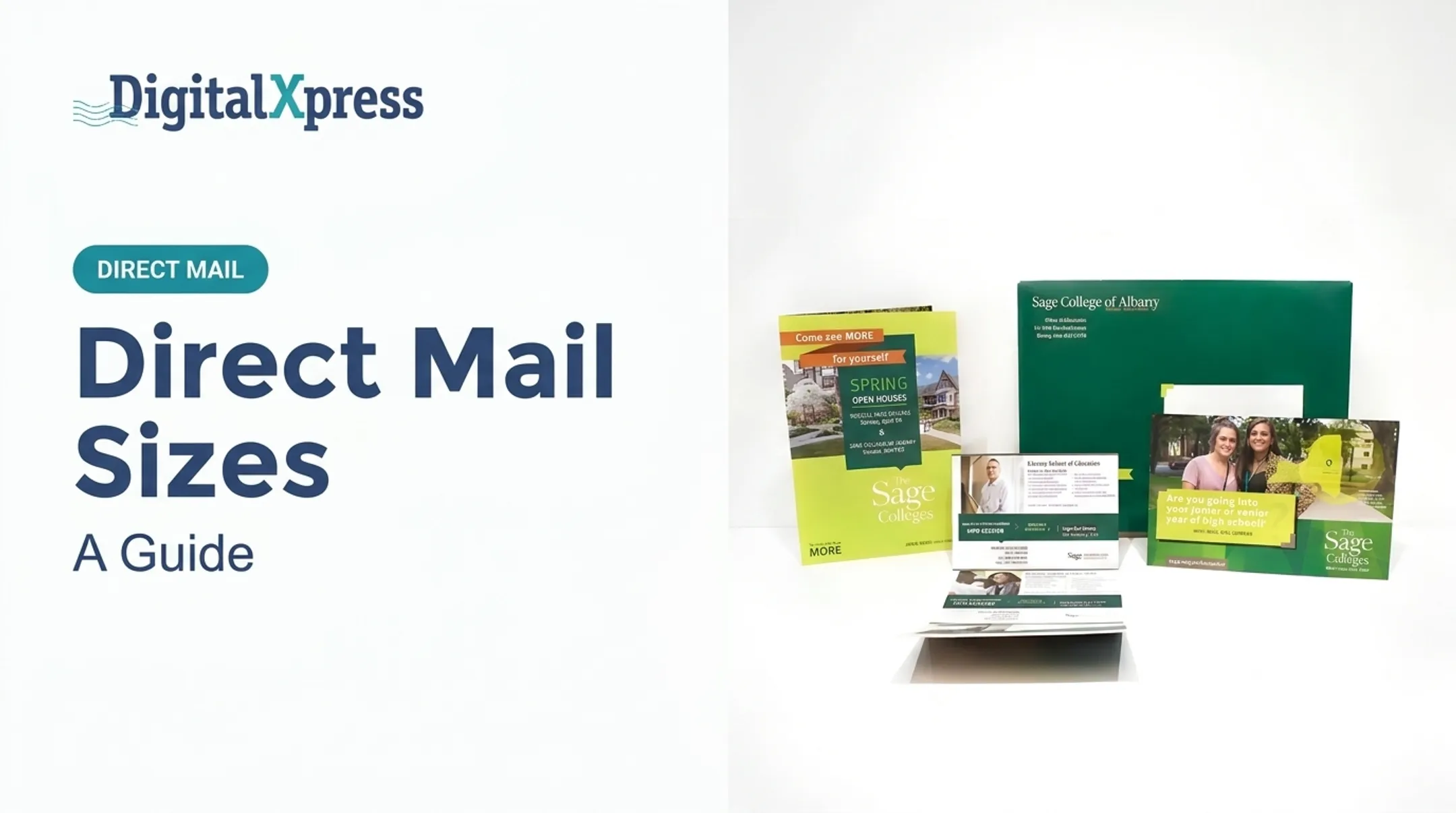
A folded self-mailer combines your message, your recipient's address, and the mailing surface into one printed piece. No envelope required. It's a brochure that travels through the mail on its own.
That efficiency comes with tradeoffs. Marketers who choose this format often struggle with the same questions:
- Which fold style fits my content?
- How much can actually fit on each panel?
- Will automated sorting equipment damage or reject the piece?
- Are we still meeting current USPS specifications?
Postal rules for these mailpieces are specific, and they change. USPS classifies folded self-mailers under Domestic Mail Manual (DMM) 201, Section 3.14, a category distinct from postcards, letters, or bound booklets.
This guide walks through what qualifies as a folded self-mailer, common format choices, the USPS specifications that govern them, and how to prepare a piece for production without costly rework.
Key Takeaways
- Self-mailers ship without an envelope: one folded piece, not stapled or bound like a booklet.
- USPS eligibility depends on fold style, final size, paper weight, tabs, and address placement.
- Check every spec against the current DMM before you approve files for print.
- Bring in a print-and-mail specialist early for variable data or high-volume runs to protect postage and timing.
What Are Folded Self-Mailers?
A self-mailer is any mailpiece that closes and travels through the postal system without an outer envelope. It uses folds, tabs, glue, or another approved closure method to keep everything intact from the printing floor to the mailbox.
A folded self-mailer specifically refers to an unbound, sealed, multi-panel letter-size mailpiece made from one or more folded sheets. USPS names bi-fold, tri-fold, oblong, and quarter-fold constructions within this same category under DMM 201, Section 3.14.
That's different from:
- A postcard – a single card-type mailpiece with its own separate specifications
- A letter in an envelope – a separate outer enclosure, not a folded, self-contained piece
- A booklet – sheets fastened by staples, perfect binding, or pressed glue with a bound spine
Benefits and Tradeoffs
Folded self-mailers give you more room to work with than a postcard, and your branding is visible before the recipient even opens it. There's no envelope to design, print, or stuff. Multiple panels mean creative layout options that a flat card simply can't offer.
But the format comes with real constraints:
- Construction requirements are stricter than an enveloped mailer
- Printed surfaces are exposed during transit, so ink, coatings, and finishing matter more
- Tabbing or glue is required to keep the piece sealed
- Loose inserts are harder to include compared with an envelope package
One detail trips up a lot of first-time mailers: USPS evaluates the finished, folded piece, not the flat sheet before folding. A design that looks fine on a proof sheet can fail dimensional requirements once it's folded to its final size. Confirm your intended mail class and automation eligibility before a single graphic gets placed.

Common Folded Self-Mailer Formats and Examples
Format choice should follow your content, not the other way around. Here's how the most common folds typically get used.
| Format | Panel Structure | Best For |
|---|---|---|
| Bi-fold | Two panels, one fold | Concise offers, announcements, invitations |
| Tri-fold | Three panels, two folds | Service overviews, event details, nonprofit appeals |
| Quarter-fold | Four panels, two perpendicular folds | Maps, schedules, dense promotional content |
| Oblong/landscape | Two rectangular panels | Imagery-heavy or diagram-driven layouts |
| Booklet-style multi-panel | More than four panels | Longer campaigns needing binding and tab review |
Real-world examples we see often at Digital XPress include:
- Membership renewal notices
- Fundraising appeals for nonprofits
- Product launch announcements
- Event invitations
- Service menus for retail and hospitality
- B2B capability brochures for manufacturers
Matching Format to Message
Ask these questions before locking in a fold:
- How much content do you actually have? A tri-fold supports sequential storytelling; a bi-fold forces brevity.
- Does imagery need to dominate? Oblong formats give wider visual space for diagrams or photography.
- Will the recipient need to retain part of it? A tear-off panel or perforated section changes your construction.
- What's the reading order? The address panel and opening sequence should shape your fold choice, not get bolted on after the creative is finished.
Before committing to a full print run, build a physical folding dummy. Confirm panel order, closure, and readability by hand. It catches problems no PDF proof will show you.
USPS Requirements for Folded Self-Mailers
This is where projects most often stall. USPS requirements are precise, and they're revised periodically, so treat any specification below as a starting point for verification against the current DMM, not a final answer.
Physical Specifications
For a standard letter-size folded self-mailer, USPS sets finished-piece limits around:
- Height between 3.5 and 6 inches
- Length between 5 and 10.5 inches
- Thickness between 0.007 and 0.25 inch
- Weight capped at 3 ounces
- An aspect ratio (length divided by height) between 1.3 and 2.5
Digital XPress's internal postal specifications chart lists letter-size self-mailers with a 3.5-inch minimum height and 15-inch maximum length. Acceptable ranges can shift depending on mail class and automation category.
A piece that exceeds these letter-size limits doesn't automatically become ineligible. It may instead be classified as a flat, which carries its own separate rules and postage implications.
Tabbing and Closure
Ordinary bi-fold, tri-fold, or multi-fold pieces up to 3 ounces generally require two nonperforated tabs placed near the leading and trailing edges. Fold style changes the configuration:
- A tri-fold with an addressed final panel may need an additional tab near the bottom leading edge
- Quarter-fold newsprint pieces over 1 ounce typically require a third tab
- Oblong pieces use top and trailing tabs but can't place tabs on the bottom edge
Glue is sometimes an acceptable substitute for tabs, depending on piece weight and construction. Don't assume one tab configuration applies across every fold style. Confirm the applicable rule for your specific piece before ordering tab stock.
Address and Barcode Placement
Reserve enough room for the address, indicia, and barcode clear zone. Per DMM 202, the address must be legible on the mailing side with adequate margin space.
The lower-right area of the piece needs to remain clear for the barcode. Graphics, tabs, folds, and variable-data fields should never crowd into that zone.
Inserts and Enclosures
If your piece includes a loose insert, it needs to be secured, typically in an interior pocket, not simply tucked between panels. Loose components and open edges create sorting problems on automated equipment. Excess thickness from inserts can also bump your piece into a different classification entirely.
Failing to meet these specifications can mean redesigns, manual handling fees, higher postage, or outright rejection at the sorting facility. It's an expensive mistake when caught after printing 10,000 pieces.

Designing and Preparing a Folded Self-Mailer
Good design for a folded self-mailer starts with the physical object, not the artwork.
Build Around the Fold
Establish your finished folded size, fold sequence, address panel location, and reading order before anyone opens a design file. Mark these elements directly in the production file:
- Trim, fold, and bleed lines
- Safe areas and tab locations
- Barcode clear zones
Digital XPress requires a high-resolution CMYK PDF with crop and bleed marks. Edge-bleed designs need a 1/8-inch bleed on all sides.
Panel Hierarchy
Put your primary offer or message on the first visible panel. From there:
- Use short headings and clear sections to guide readers across folds
- Keep critical text away from fold lines, tabs, and edges where it can distort or get obscured
- End with a clear call to action and contact information
Paper and Finishing
Stock selection affects both appearance and how the piece performs on sorting equipment. Confirm current paper-weight thresholds with your printer before locking in stock.
USPS notes that its reference material changes regularly and directs mailers to Postal Explorer for current specifications rather than older printed guides.
Digital XPress is an FSC-certified facility, so sustainable paper options are available when environmental responsibility matters to your campaign.
Personalization and Data Security
Variable-data projects need three things lined up before production starts:
- A print-ready InDesign or Illustrator file with placeholders
- A matching .csv or .xlsx database with columns for name, address, city, state, and ZIP
- A document specifying merge rules for personalized fields
For member, donor, patient, or customer data, confirm your provider's data-handling practices. Digital XPress operates under SOC 2 compliance, with independent audits and ongoing monitoring of sensitive data handling.
Test Before You Commit
Produce a physical mock-up. Check folding, tab adhesion, panel alignment, address readability, barcode clearance, and overall weight. Request a preflight or postal review before the full run goes to press.

Choosing a Format and Production Partner
Not every campaign needs a folded self-mailer. Weigh your content volume, budget, personalization needs, response mechanism, and deadline against alternatives like postcards, envelope mail, or booklets.
A few questions worth asking a potential print-and-mail partner:
- Can they handle creative, printing, finishing, and mailing under one roof, or will your project bounce between vendors?
- Do they have in-house USPS mailing expertise?
- Can they confirm current DMM compliance before your files go to press?
- What data security certifications do they maintain?
Look for a partner that can answer yes across that list. Digital XPress keeps creative, print production, and mailing in-house, with an on-site USPS Postal Clerk who tracks postal prices and policy changes.
Printing is FSC-certified with sustainable paper options available, and SOC 2-compliant systems protect sensitive mailing data.
Before approving any project, ask for a quote or preflight review that identifies:
- Proposed finished size and fold
- Paper stock and closure method
- Quantity and mail class
- Postage assumptions
- Proofing steps and delivery timeline
Frequently Asked Questions
What is a self-mailer?
A self-mailer is a mailpiece that carries its own address and closes through an approved fold, tab, adhesive, or similar construction, without needing an outer envelope.
Can you give me some examples of self-mailers?
Common examples include folded brochures, event invitations, fundraising appeals, membership renewals, product announcements, and service promotions mailed directly to recipients.
What are the tabbing requirements for USPS folded self-mailers?
Tab count, size, material, and placement depend on the fold style, piece weight, and dimensions. Always verify the applicable DMM 201 provisions before finalizing your design.
What is the difference between a folded self-mailer and a postcard?
A folded self-mailer offers multiple panels and more message space through its fold-based construction, while a postcard is a single flat card. Each has distinct USPS dimensional and postage specifications.
How do I make sure a folded self-mailer meets USPS requirements?
Review the current DMM and build a physical proof. Confirm dimensions, weight, address and barcode clear zones, and tab specs, then request a preflight review from an experienced print-and-mail provider.